No Products in the Cart


Your design for your Marsh Guard number plate
Choose a Marsh Guard template and design your sticker with your own race number, colours and logos. Open the matching template in the configurator from the product page.
This is about the stickers for your Numberplate. Check the appropriate version and the delivery on the product page.
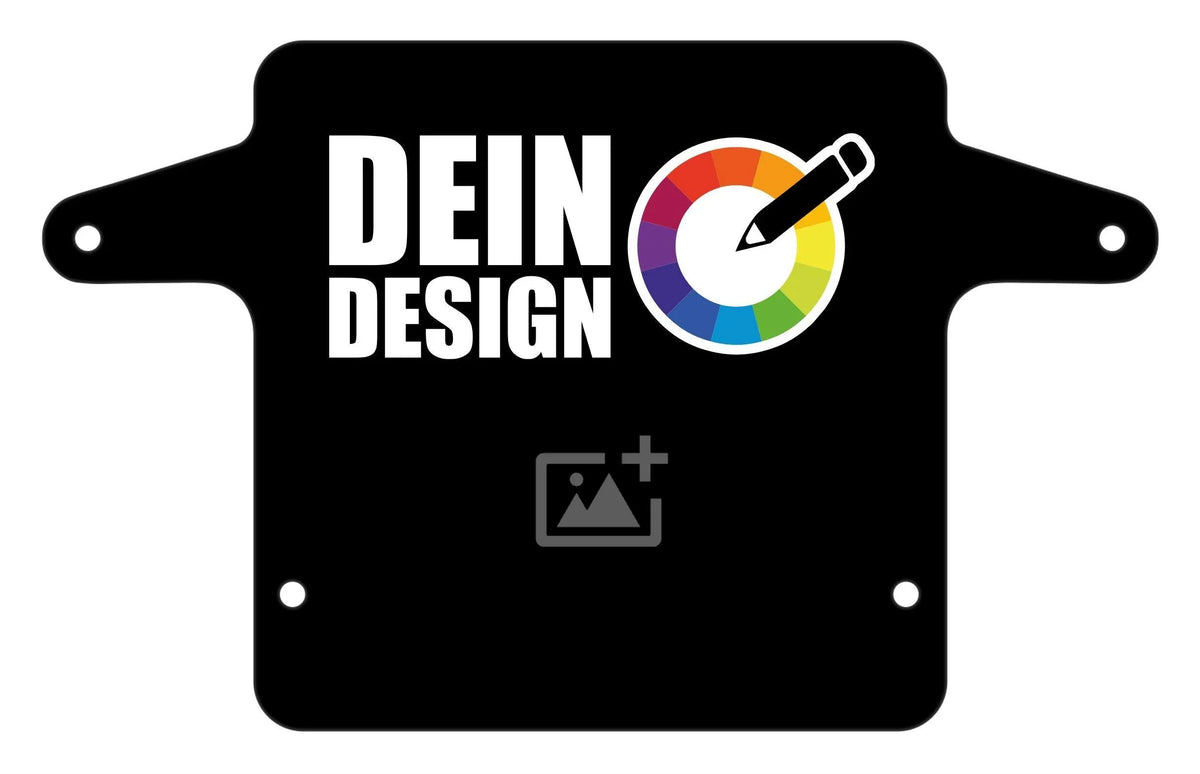
Choose a Marsh Guard design and check whether the version offered matches your plate.
Click the Customize button on the product page and adapt the text, colours and your own logos.
Check the race number, spelling and included items before ordering.
Select your template. Before designing, check the shape of your existing plate with the product specifications.
The templates lead to customisable stickers. What is included depends on your selected product option. Check this before ordering; a plate shown in a picture is not automatically included.
The shapes are not automatically interchangeable. Choose the template for your plate and check the product information. The shop has separate sections for ODI and BOX.
Choose a template and open the configurator using the Customize button. You can personalise your design there. Pay particular attention to your race number, spelling and the legibility of your logos.
Check your organiser’s requirements for numbers, background colours and legibility before designing. A custom design does not automatically mean approval for every race.
Follow the included instructions and the guidance for your plate’s surface. Identify where each sticker belongs before applying it. If you are unsure about preparation or positioning, ask us beforehand.
Tell us the quantity, desired design and the different numbers or names. We will discuss the details for your team and prepare a specific quote if needed.
Whether you need the right version, personalisation or a larger order, tell us what you have in mind. We will help you choose.
Alternatively, email us, including photos: info@sickstyle.de


